Completed
Operating review
Will gathers the approved project sources, prepares the review, and keeps the evidence attached.
Privacy-first AI built for business
Will gives each employee a persistent assistant and controlled workspace that can research, create, use approved tools, and carry multi-step work across systems. Deploy it in infrastructure your company controls, choose the model routes and data paths, and require an editable Draft Approval before sensitive actions run.
Private beta · Customer-hosted in your cloud, private VPC, or on-premises.
AI that carries the work. People keep the judgment.
Editable Draft Approvals
When a configured action needs review, Will stores it as an editable Draft Approval and keeps moving on the parts of the assignment that are still allowed. The sensitive action has not run.
“Prepare Monday’s operating review, draft follow-ups for the three overdue owners, and update the project plan.”
Will gathers the approved project sources, prepares the review, and keeps the evidence attached.
The workspace keeps moving on work that does not require approval.
The proposed messages become editable Draft Approvals. They have not been sent.
Draft Approval
One action waits. The rest of the assignment keeps moving.
Product surfaces
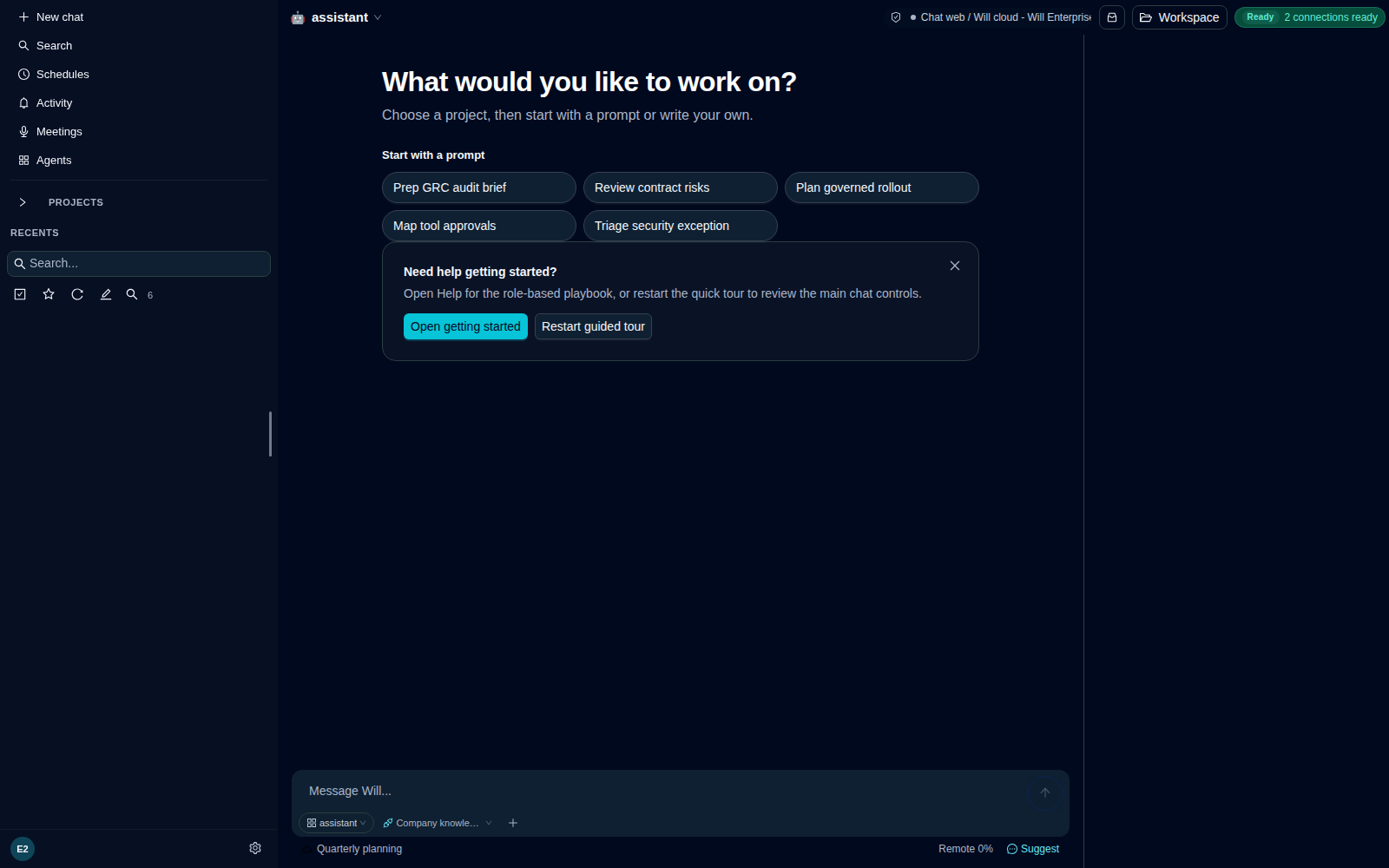
Employees get a persistent place to delegate work. Administrators choose the models, company knowledge, tools, permissions, data paths, and approval rules available behind it.
01 · Workspace
Projects retain the relevant conversations, approved sources, files, memory, and artifacts instead of scattering company context across separate AI products.
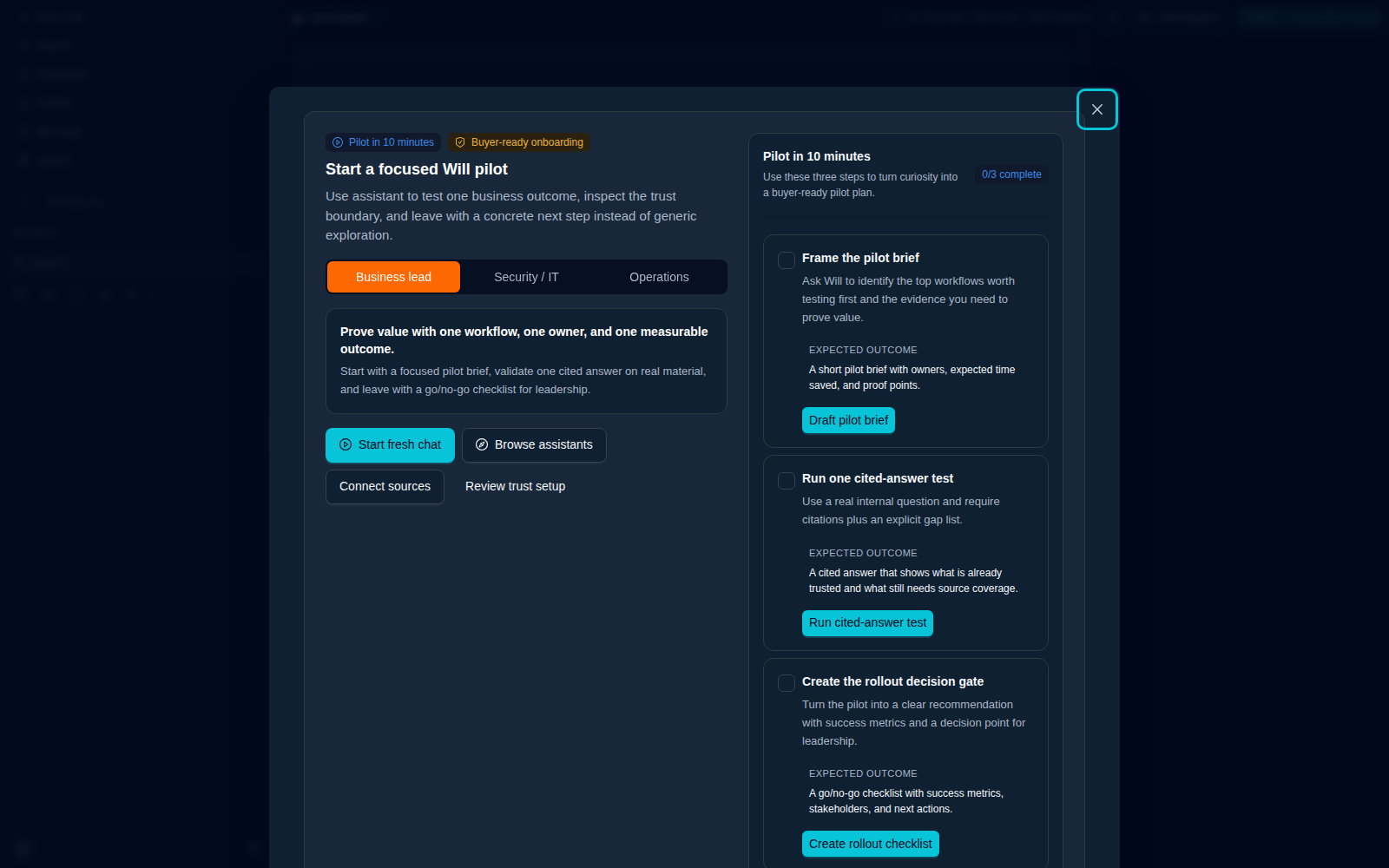
02 · Pilot
Choose the outcome, sources, model route, tools, sensitive action, approval rule, and evidence the rollout must produce.
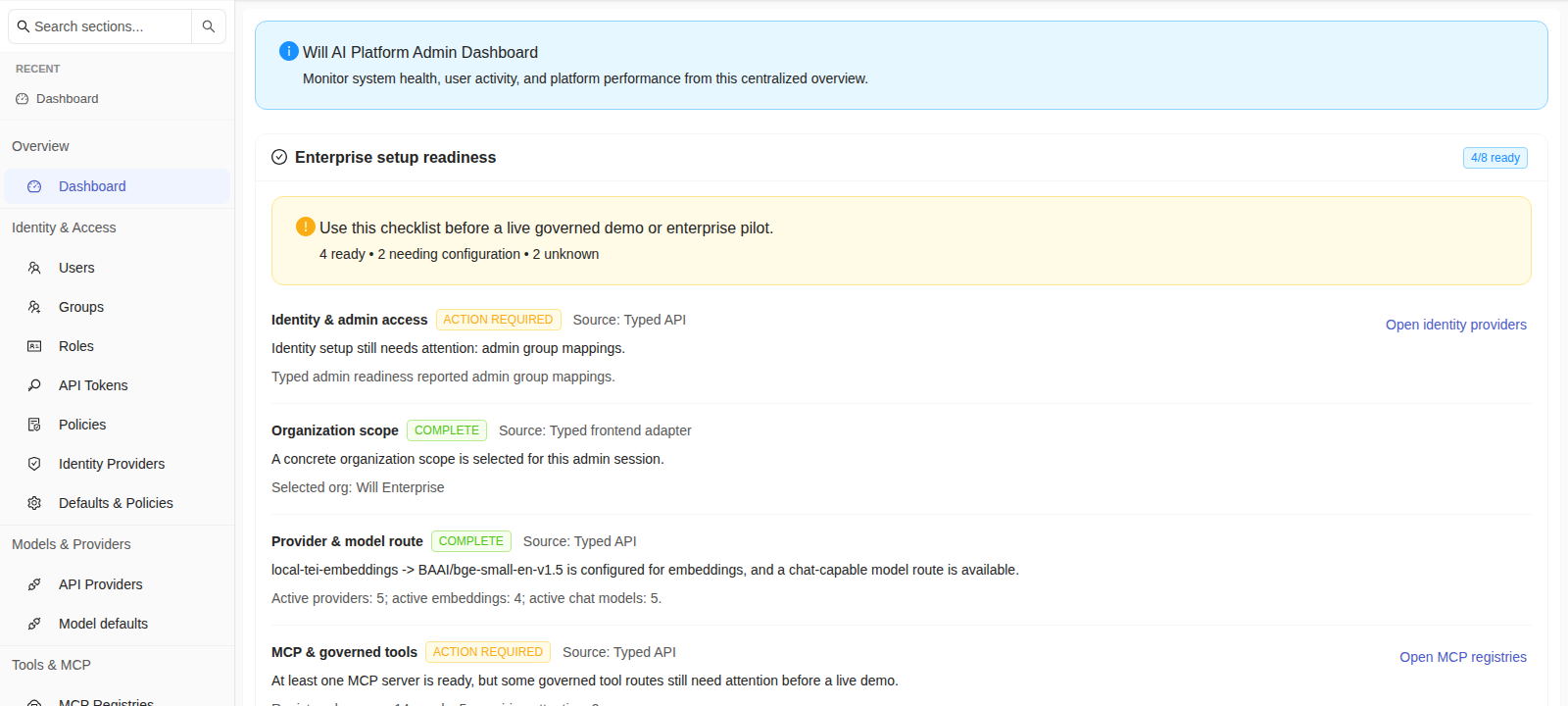
03 · Administration
Administrators manage identity, model routes, connected knowledge, tool access, approval policy, data paths, and deployment readiness from one operating surface.
Will platform
Will is in private beta. These are the capabilities the current platform is built around, not a future feature list.
Privacy
Run Will in your cloud account, private VPC, or on-premises.
Workspace
Keep project conversations, sources, files, memory, and artifacts together.
Models
Choose the supported provider, local model, or enterprise endpoint available to a role or workflow.
Knowledge
Use approved sources and retrieval with citations instead of copying company context into each prompt.
Tools
Give assistants only the applications and MCP tools the organization allows.
Review
Hold configured state-changing actions as editable drafts until a person approves them.
Business controls
Separate administrative surfaces control identity, model access, connected systems, data paths, and platform readiness. Employees get a practical work surface without giving up the controls the business needs behind it.
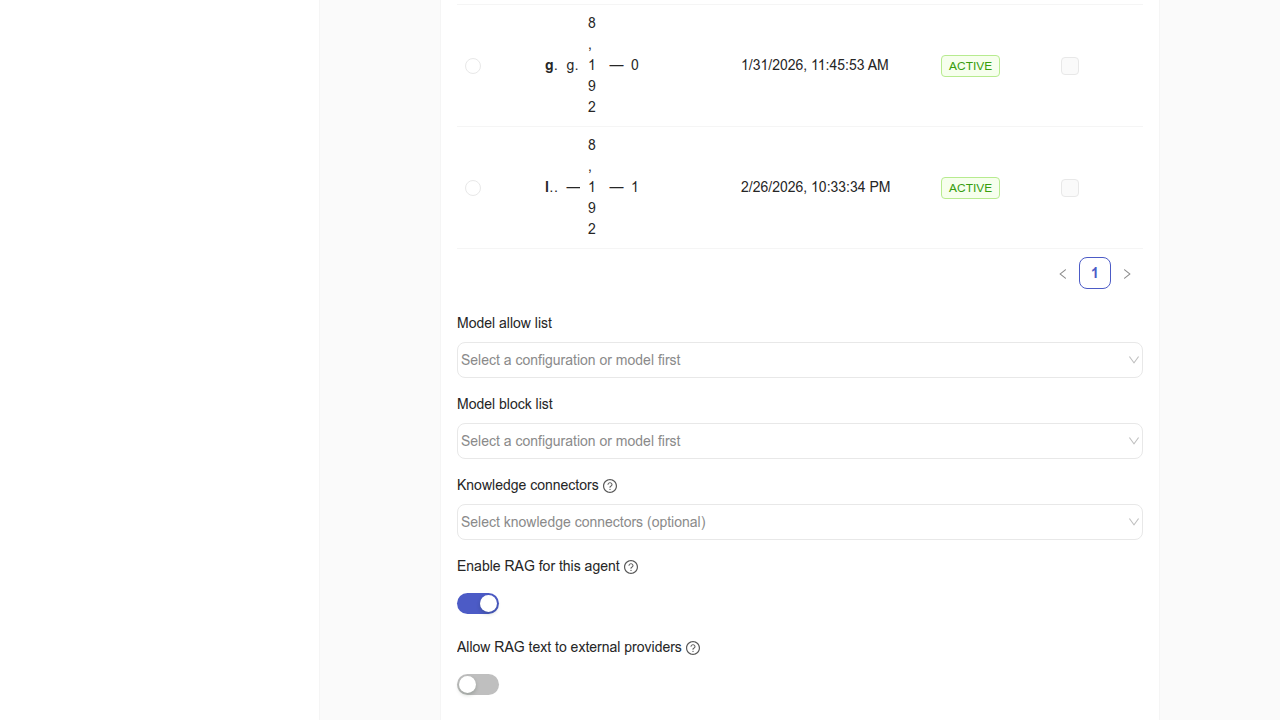
Model choice
Configure provider and model access for the roles and workflows that need it.
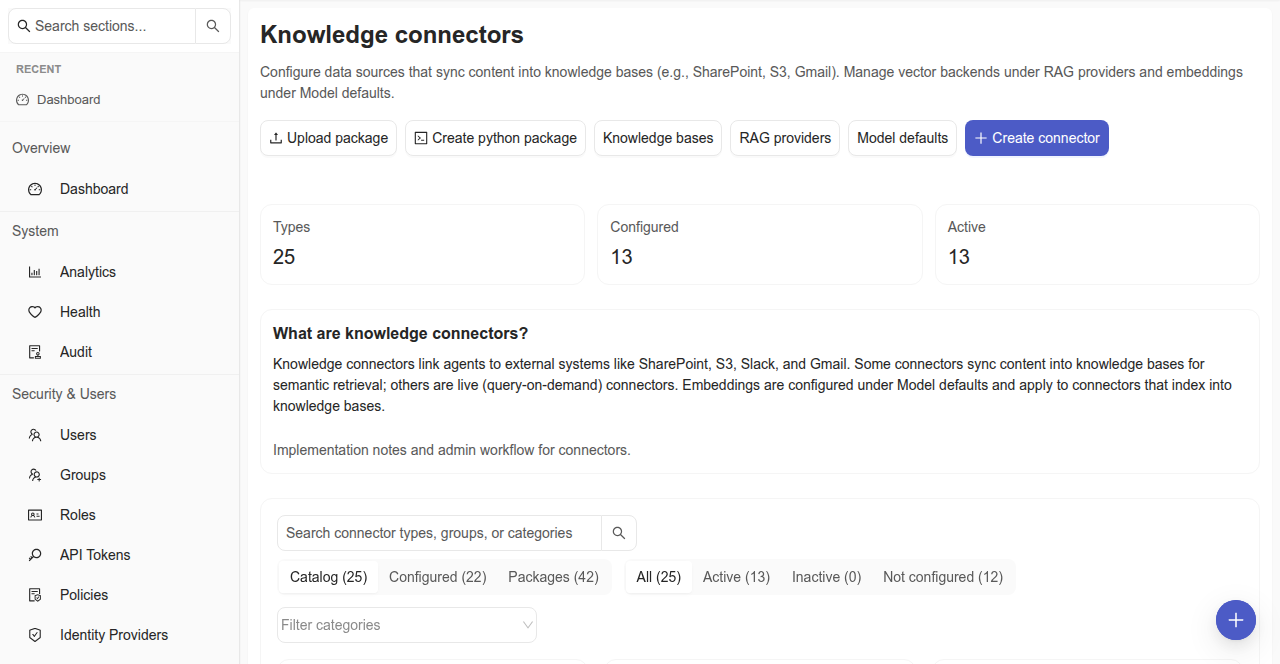
Approved systems
The connector catalog makes available systems visible without turning every integration on by default.
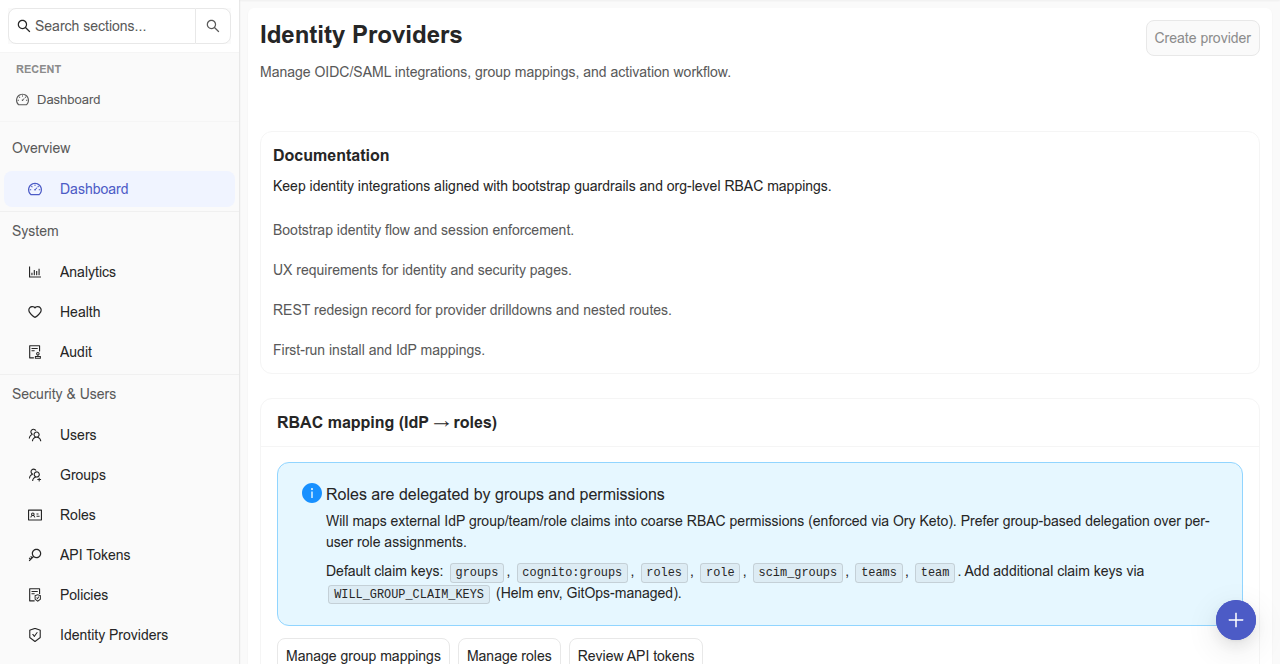
Organizational identity
Identity-provider administration connects employee access to company accounts, roles, and policies instead of a separate consumer account.
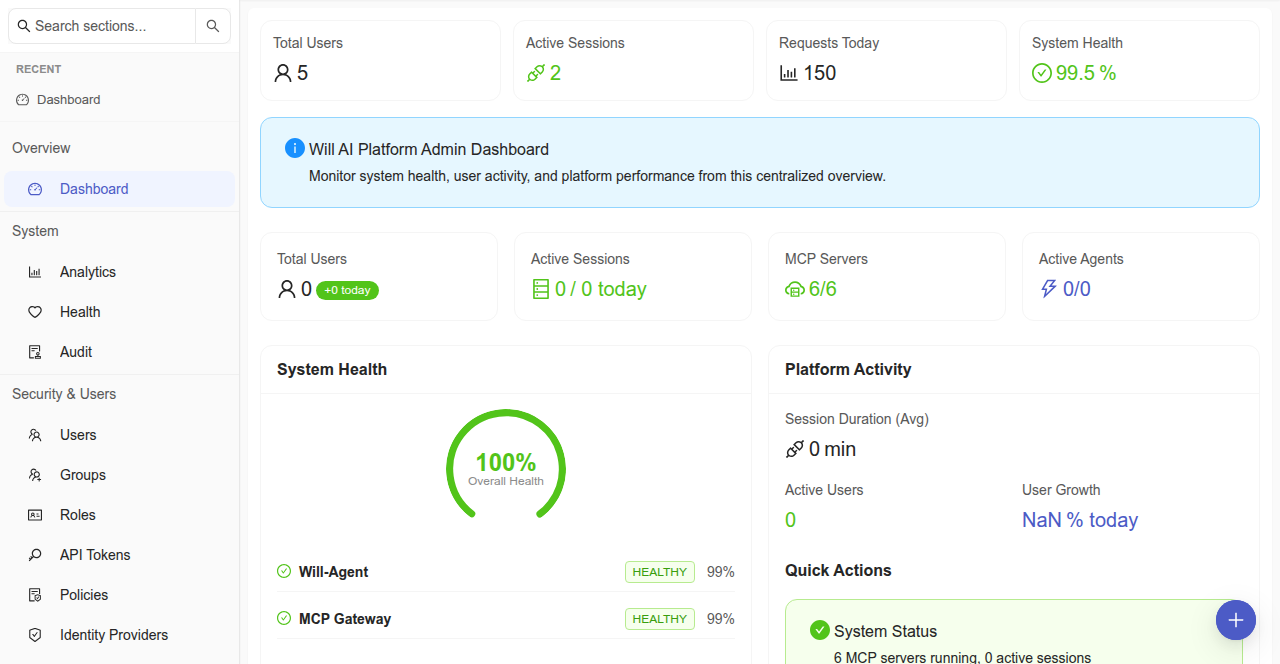
Platform administration
Administration brings deployment, users, models, connectors, and platform controls into one operating surface.
Deployment
Will is customer-hosted. Your organization controls the network, storage, identity, model endpoints, integrations, data paths, and egress policy around the platform. Where information goes depends on the routes, tools, and policies you configure.
Amazon Marketplace is available as a distribution path.

Why Will works this way
“AI becomes useful when it can carry work across tools. It becomes deployable when the person and the company can see, edit, and control what happens next.”
Jordan JarvisFounder, Will Enterprises Inc.
No. Will is the business platform where employees delegate work to AI using approved models, company knowledge, files, and tools. The organization controls deployment, access, data paths, and sensitive actions.
Will runs in infrastructure the customer controls. The organization chooses its network boundaries, storage, identity, model endpoints, integrations, and data paths. Where information goes from there depends on the model routes, tools, and egress rules the organization configures.
In infrastructure the customer controls: a cloud account, a private VPC, or on-premises.
At configured approval boundaries, Will creates an editable Draft Approval. The action does not run until a person approves it.
No. The pending action waits while Will can continue unrelated work in the same task.
Yes. The Draft Approval can be changed before it is approved and executed.
Private beta · Design partners
Define the outcome, approved sources, model route, tools, sensitive action, approval rule, and evidence. A design-partner pilot can prove the value inside the boundary your organization requires.